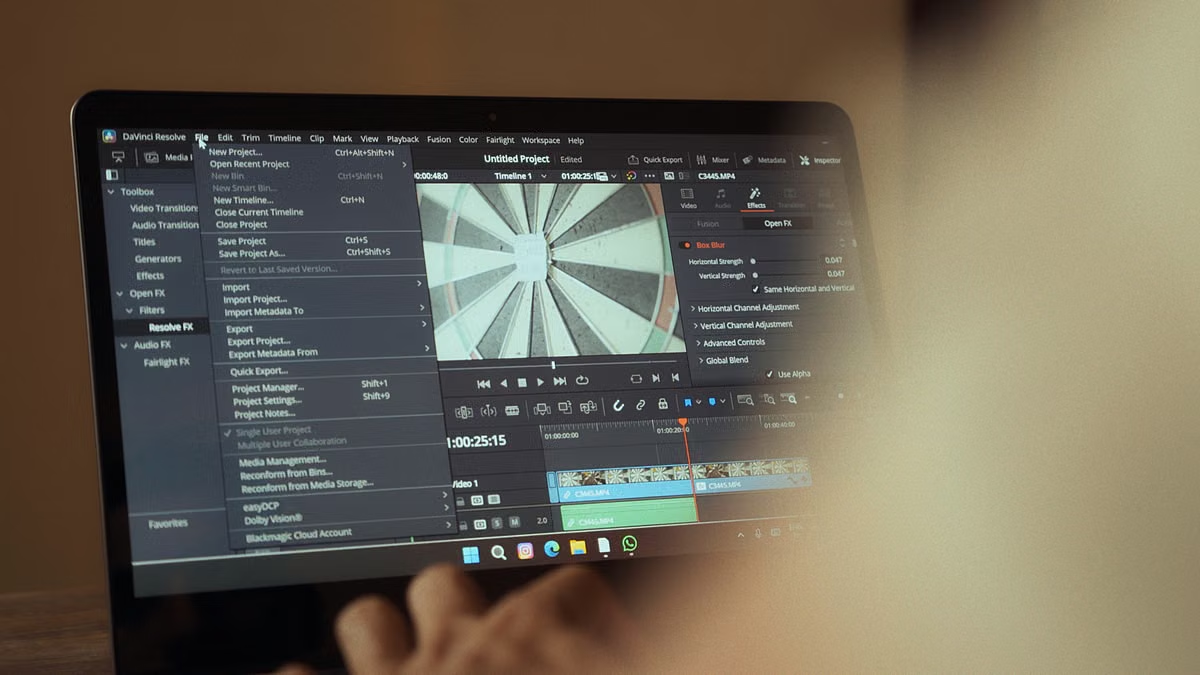
Your client edit is ready, but you are unsure whether the stock clip can appear in a paid campaign.
Fast answer: Apple’s terms permit qualifying use of Content in original personal or commercial projects, but that does not authorize standalone resale, logo or trademark use, or ignoring asset-specific conditions. The announced Content Hub video assets were not yet generally available as of October 31, 2026, so check the live terms and each asset’s restrictions before release.
Freelance designers and creators: you need to check a client deliverable, advertisement, or published video before handoff.
Brand designers: you need to know whether a stock element can become part of an identity or trademark.
Editors and small teams: you need clear rules for Final Cut Pro projects, asset handoffs, and subscription changes.
Confirm the video rollout and license status
Apple’s terms distinguish using Content within an original project from distributing the Content by itself. They also restrict logo and trademark uses. So the decision is not simply “commercial use allowed” or “commercial use forbidden.” It depends on what you deliver, how the asset is incorporated, and whether the asset has additional conditions.
The timing matters, too. In its October 27, 2026 announcement, Apple said video assets would be added to Content Hub as part of an update planned for November. That announcement is not proof that those assets are already available. As of October 31, 2026, treat the video collection as announced, not generally live, and verify the actual availability in the product before building a deadline around it.
The Apple Creator Studio terms and conditions are the primary source for permitted uses and restrictions. Apple’s Creator Studio product page also describes what happens to qualifying original project content after a subscription ends. These documents answer different questions: the announcement describes planned availability, while the terms define the usage rules. A media summary or a broad phrase such as “royalty-free” cannot replace either source.
| Your planned use | How to assess it before delivery |
|---|---|
| Incorporate a clip into an original client video | Check the current terms and the selected asset’s conditions; deliver the finished project, not the source clip by itself. |
| Send the isolated clip to a client for reuse | Treat this as a separate-file use. Do not assume the original project permission covers it. |
| Use a Content Hub element in a logo or trademark | Do not proceed on the assumption that commercial project permission includes identity or trademark rights. |
| Use footage with recognizable people or property | Review the context, the terms’ disclosure requirements, and any asset-specific conditions. |
| Keep editing after subscription cancellation | Confirm both the project’s continued-use permission and what editing or source-asset access requires. |
Important: Permission to use an asset in a commercial project does not automatically grant ownership, exclusivity, or the right to redistribute the underlying file.
Keep client deliverables separate from source files
If you are paid to make a video, presentation, or social post, the key distinction is between the finished original work and the Content Hub asset as a reusable file. Incorporating a clip into an edited sequence can fall within the terms’ permission for qualifying original commercial projects. Sending the same clip as a clean, unmodified file so the client can use it elsewhere is a different use and may breach the standalone-use restriction.
For example, a freelance editor might deliver a completed campaign video with a licensed clip cut into a larger sequence, combined with the client’s footage, graphics, narration, and editing. That is not the same as adding the unedited clip to a shared folder labeled “stock assets for future campaigns.” The client contract does not expand the license Apple grants, and the license does not rewrite the client’s delivery requirements. You need both to align.
| Handoff item | Safer review question |
|---|---|
| Finished video or social post | Is the asset incorporated into an original work, and does the selected asset permit this context? |
| Editable project file | Can the recipient continue the project under the applicable terms, and will they need access to the same source asset? |
| Isolated source clip | Are you allowed to transfer or redistribute the file independently? Check the standalone-use restriction first. |
| Client archive or shared library | Will the client treat the asset as a reusable stock item? If so, do not assume the project license allows that. |
Before sending files, compare the deliverable against the agreement you signed with the client. Some clients require editable project files, source media, or broad reuse rights. If your license does not support those requirements, offer a finished export or use an asset with terms that permit the requested handoff. Do not describe the asset as “cleared for any use” unless you have verified that statement against the actual terms.
A compact record helps when the project changes hands. Keep it with the job rather than relying on memory or a chat message:
printf 'asset_id,project,planned_use,terms_checked,extra_conditions\n' > asset-use-log.csv
printf 'clip-01,Spring campaign,finished client video,2026-10-31,check asset page before release\n' >> asset-use-log.csv
cat asset-use-log.csv
Example output:
asset_id,project,planned_use,terms_checked,extra_conditions
clip-01,Spring campaign,finished client video,2026-10-31,check asset page before release
The example is a record-keeping format, not a substitute for a license review. Use the actual asset identifier and the terms version or review date that applies to your project.
Review brand identity and video context separately
For a brand designer, “commercial project” and “brand ownership” are not interchangeable. You might be allowed to include Content in an original commercial deliverable while still being prohibited from using that Content as a logo, corporate identity, trademark, or service mark. The United States Patent and Trademark Office’s explanation of trademarks describes trademarks as identifiers of the source of goods or services. That makes the distinction practical: a campaign visual can promote a brand without becoming the brand’s exclusive identifier.
If a client asks you to build a logo from a Content Hub graphic, pause before presenting it as a final identity. The client may later want to register the mark, prevent competitors from using similar imagery, or claim exclusive ownership. A content license that allows a permitted commercial project does not, by itself, establish those rights. Make the boundary clear in the proposal: use properly commissioned or independently created artwork for identity work, and reserve Content Hub material for uses permitted by its terms.
For video creators, review the frame as well as the file. Footage that includes a person or property can become sensitive when edited into a context that viewers might interpret as controversial, negative, or as an endorsement. Apple’s terms set out restrictions and disclosure expectations for certain uses. Check the exact wording that applies when you publish; where a disclaimer is required, make it clear that the depicted person or property is not associated with or endorsing the product or service being presented. Do not assume every asset has identical third-party conditions.
A useful review asks:
- Who or what is recognizable in the shot?
- Could the edit imply an endorsement, affiliation, or viewpoint that is not true?
- Does the surrounding narration, caption, or visual sequence change the meaning of the footage?
- Does the asset page or other applicable license add a restriction?
- If a disclosure is required, is it visible and understandable in the final format?
A clip used as neutral background footage may raise different concerns from the same clip used to imply that a real person supports a product or appears in a distressing scenario. The underlying file has not changed, but its meaning in the finished work has. Review the final cut, not just the asset preview.
Separate cancellation, editing, and asset availability
Teams often confuse three separate questions: whether the original project may continue to be used, whether the subscription is needed for further editing, and whether the source asset will remain available. Treat each one as a separate check.
Apple’s product information says qualifying original projects created with Creator Studio content remain licensed after the subscription ends. That statement does not mean every asset stays in the library indefinitely, that every source file remains downloadable, or that all future edits are automatically covered. The terms also address content availability and changes, including the possibility that Content may be modified or removed. Before ending a subscription or archiving a project, read the current product information alongside the terms.
For a small team, record enough information for another editor to understand the decision later:
- The asset identifier or title shown in Content Hub.
- The project and the specific use, such as an original client video or a social campaign.
- The date you checked the current terms and asset-level conditions.
- Any disclosure, attribution, or other condition relevant to the final edit.
- Whether the handoff includes only a finished export or also an editable project.
- Who is responsible for checking the license again if the project is repurposed.
These notes do not create rights. They make it easier to catch a change in use. A clip cleared for one client’s original campaign should not silently migrate into a template library, another client’s job, or a stock-media pack. If you reuse the project in a new context, repeat the review rather than assuming the original approval travels with the file.
Choose a route before release
Use this decision list before you export or hand off the work:
- If the asset is incorporated into an original personal or commercial project, the specific asset has no conflicting extra condition, and your final use matches the current terms, then proceed with a documented review.
- If the client wants the asset as a standalone file or reusable source item, then do not transfer it on the basis of the project license; choose a separately authorized source or change the handoff.
- If the asset would form part of a logo, corporate identity, trademark, or service mark, then replace it with original identity artwork.
- If the footage could imply endorsement or place a person or property in a sensitive context, then check the exact clause and asset-specific conditions, and add any required disclosure before publication.
- If the video assets are not yet available in your account, then do not plan a client deadline around the announcement alone; wait for the asset to appear and review its terms when it does.
- If the project depends on continued editing or source access after cancellation, then verify those requirements before ending the subscription and preserve your project records.
For Windows-based creators, separate two questions: whether your browser-based design work can happen on Windows, and whether the final project requires a Mac application such as Final Cut Pro. They are not the same workflow problem. If the project can be completed and delivered with tools you already have, a remote Mac may add an unnecessary dependency. If the client’s deliverable genuinely requires Final Cut Pro, assess the Mac workflow and the handoff before choosing an environment. You can use the remote Mac comparison page to weigh a remote setup against other approaches; the licensing decision still comes from Apple’s current terms and the asset’s conditions.
FAQ: Content Hub licensing and client use
Can Apple Creator Studio Content Hub material be used in paid client work?
Apple’s terms allow qualifying Content to be used in original commercial projects. Confirm that the asset is incorporated into the finished work, check any asset-specific restrictions, and make sure the client’s requested delivery does not require you to redistribute the source file independently.
Can you export a Content Hub clip and give it to a client by itself?
Do not treat the project-use permission as permission to hand over a standalone clip. The terms restrict standalone use. Deliver the finished original work where appropriate, or find a source with terms that explicitly support the requested file transfer and reuse.
Can a Content Hub asset be used in a logo or trademark?
No. The terms restrict using Content in logos, corporate identity, trademarks, and service marks. Commercial use in an original project does not create exclusive brand rights. Use original identity artwork for a logo proposal or registration.
Can you keep using a published project after canceling Apple Creator Studio?
Apple says qualifying original project content remains licensed after cancellation. Still, check what continued editing requires and whether the source asset remains available. Record the asset, its permitted use, the applicable terms, and any additional conditions before you cancel or archive the project.
If your current workflow relies on scattered downloads, uncertain source-file handoffs, or rebuilding a project on a different operating system, those routes can add avoidable review work and make it harder to preserve a consistent Final Cut Pro project. A remote Mac is worth considering only when the work actually needs a Mac application; it does not change the content license, remove asset restrictions, or replace your records. If you need that environment temporarily, review OakVM’s available options and confirm the workflow fits your project before committing.
Last updated October 31, 2026. Availability and licensing details were checked against Apple’s Creator Studio Terms and Conditions, the official product page, and Apple’s October 27, 2026 Newsroom announcement. This article provides general information, not legal advice.
Frequently asked questions
Can I use Apple Creator Studio Content Hub assets in paid client work?
Apple’s terms allow Content to be used in qualifying original personal or commercial projects, so a paid client deliverable may fit when the asset is incorporated into your own finished work. That does not make every use permissible: check the asset’s own conditions, avoid distributing it as a standalone file, and confirm that your client agreement allows the intended delivery.
Can I export a Content Hub clip by itself and hand it to a client?
Treat that as a separate-file transfer, not as delivery of an original finished project. Apple’s terms restrict using Content on a standalone basis, so do not assume that a client can receive an isolated stock clip simply because it appeared in your edit. Check the current clause and any asset-specific conditions; deliver the completed work or obtain a separate license where needed.
Can Apple Creator Studio assets become part of a logo or trademark?
Do not use Content Hub material as a logo, corporate identity, trademark, or service mark. Permission to include content in a commercial creative project does not grant exclusive rights in that content or make it suitable for brand ownership. For a logo proposal or registration, use original artwork that your client can control and have the applicable rights reviewed.
What happens to published projects after I cancel Apple Creator Studio?
Apple’s product information says qualifying original projects created with Creator Studio content remain licensed after the subscription ends. That is not the same as a guarantee that every source asset will remain available or that you can keep editing under every circumstance. Before cancellation, record the asset, project, applicable terms, and any third-party conditions, then verify the current wording.
Use a Dedicated Mac for Your Next Production Workflow
Rent a dedicated physical Mac mini from OakVM for remote access and Mac-based workloads.